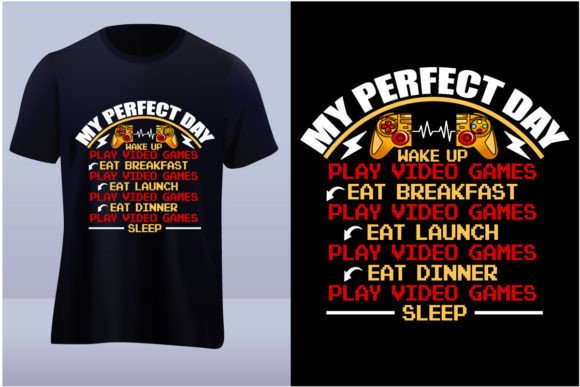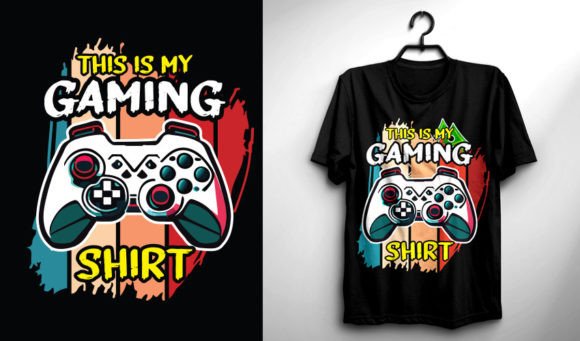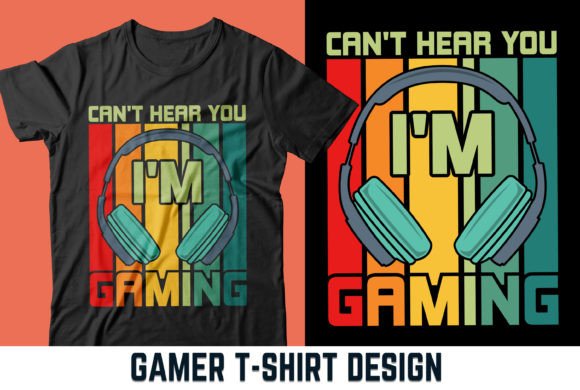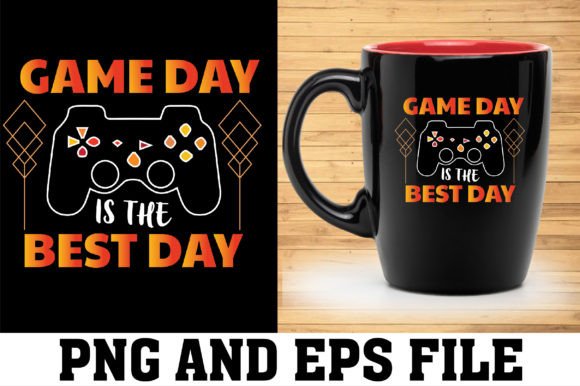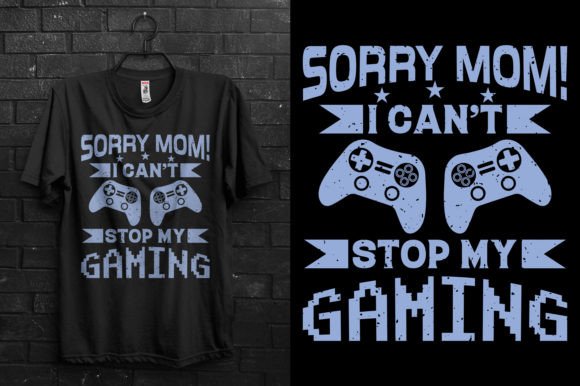
Sorry Mom I Can’t Stop My Gaming Tee: Why This Typography Print Design Deserves Better Handling
You’ve probably laughed at the “Sorry Mom I can’t stop gaming” slogan before. It’s a playful way to nod at late-night sessions, missed chores, and the gentle frustration of a parent who just doesn’t get it. This specific Sorry Mom I Can’t Stop My Gaming Tee design from SUPERIOR T-SHIRT DESIGNS turns that inside joke into a crisp, inspirational typography print you can put on almost anything. T-shirts, hoodies, mugs, stickers, pillows, phone covers, bags, and more are all fair game. But the jump from owning a great design file to holding a professional-looking printed product isn’t automatic. Plenty of creators, small business owners, and hobbyists get tripped up by details they didn’t know they should check. This article walks you through the most common slip-ups when using or buying this kind of printable design, and how to avoid them so your final product matches the concept you had in mind.
What You Actually Get in the Zip File
After purchase, you receive one compressed folder (3.09 MB). Once you extract it with WinRAR or 7-Zip—or by double-clicking on some systems—the total size grows to about 8.94 MB. Inside you’ll find a high-resolution PNG file, an AI file, an SVG file, and an EPS file. All are built at 300 dpi and 4500 pixels by 5400 pixels. Notably, there are no JPEGs and no product mock-ups included. This trips up first-time users who expect a ready-to-view photo of the design on a mug or who try to open everything in a basic image viewer and see nothing but a black screen for vector formats.
The mistake here is using the wrong file for your project simply because it opened first. The PNG is great for quick placement and DTG (direct-to-garment) printing, but the AI, EPS, and SVG files hold the real scaling power. Before you even start, decide what you’re making. If you’re cutting heat-transfer vinyl on a Cricut, the SVG is your best friend. For screen printing or high-end sublimation, the EPS or AI file allows you to adjust spot colors and scale without losing sharpness. Treat the different formats as tools in a toolbox, not duplicates you can ignore.
The Resolution and Size Trap That Ruins Print Clarity
A common oversight is assuming that “300 dpi” means the design can be blown up to any dimension. The PNG file is exactly 4500 pixels by 5400 pixels. At 300 dpi, that translates to 15 inches wide by 18 inches tall. That’s ample for most T-shirt front prints and hoodie centers, but if you’re planning a large poster, you might push beyond those dimensions and start to see softness or pixelation. Many people simply resize the PNG in a document and don’t realize they’ve dropped the effective resolution below 200 dpi, which often looks fuzzy on a cotton surface.
A better approach: calculate your final print area before dropping the file into your layout. For a standard adult tee, a 12 to 14 inch wide design gives plenty of breathing room. The PNG will look crisp because you’re not upscaling. For anything larger, open the AI file, adjust the artboard to your target size, and export from Illustrator at 300 dpi. The vector information scales infinitely without jagged edges, so you can create poster-sized prints or oversized back graphics without worry.
Why Color Mode and Transparency Can Sabotage Your Design
Typography designs like this one often feature a simple color palette and an intentionally clean background. But users sometimes place the PNG on a dark T-shirt mock-up only to discover a white rectangle surrounding the letters. The fix is simple but often missed: verify that the file has a transparent background. The PNG provided should be transparent, but it’s worth double-checking in Photoshop or GIMP. The vector files guarantee transparency and let you change the artwork color with a click.
Color mode is another silent saboteur. RGB looks brilliant on a screen but can turn muddy when forced into a CMYK print environment without proper conversion. If you’re working with a screen printer or sublimation supplier, ask whether they need CMYK or a specific Pantone number. Open the AI or EPS file, switch the document color mode to CMYK, and preview the shift. A bright neon green might become flatter; tweak it before you send the file off. This small step prevents a final shirt that doesn’t match your expectations.
Choosing the Right File for Each Printable Product
The beauty of this design is its versatility, but that same flexibility causes decision paralysis. A common mistake is using the PNG for everything because it’s the most familiar format. A mug, however, wraps around a curved surface. If you simply drop a tall rectangular PNG onto a mug template, the text might bend awkwardly or get cropped at the seams. With the SVG or AI file, you can arc the text slightly or adapt the layout to the template before exporting. Stickers and die-cut decals are another example. A print-ready cut file for a sticker maker relies on vector paths. PNG with a raster edge leaves a white halo or forces the cutter to make a rectangular sticker, squandering the cool typography effect.
For direct-to-film prints and DTG, the high-res PNG with a transparent background is often ideal. For sublimation blanks, use the EPS or AI file and export as a flat PNG or TIFF after setting up the correct profile. Sweatshirts and hoodies often handle slightly thicker lines better, so if the design feels too thin, you can add a small stroke to the text in Illustrator without losing the original look. Small items like phone covers demand that the lettering be legible. Test at actual size on a screen to see if the phrase reads clearly. If not, don’t be afraid to enlarge the text slightly within the vector master.
Why You Shouldn’t Overlook the Missing JPEGs and Mock-ups
It’s not a bug that the zip file has no JPEGs or product mock-ups. Some buyers skim the listing and assume they’ll receive a folder full of presentation images ready to post on social media. That gap can cause a moment of panic, especially for beginners who aren’t yet comfortable building their own visuals. The mistake is interpreting this as a shortcoming rather than an invitation to create your own professional presentation.
Free online mock-up platforms let you upload the PNG and see it on a T-shirt, mug, or bag within minutes. Photoshop and Affinity Photo offer smart-object mock-ups that take the same high-res file and layer it realistically. If you run a small print-on-demand shop, setting up your own mock-up template once saves you time and makes your product listings look unique. The real value from SUPERIOR T-SHIRT DESIGNS lies in the adaptable source files, not in a handful of static JPEGs.
The Legal Side: Usage Rights and Reselling Considerations
It’s tempting to grab a snappy design and immediately start selling T-shirts online, but failing to read the license can backfire. Most typography designs sold for physical product use allow commercial printing on items you sell. You generally cannot resell the digital file itself, redistribute it as a freebie, or include it in a downloadable template bundle. If you plan to use the Sorry Mom I Can’t Stop My Gaming Tee design as part of a collection sold at craft fairs or via Etsy, the rights are probably clear. But stay within the lines: don’t upload the source files to a sharing site or use them to create a rival digital design pack.
If no license file is included inside the zip, look back at the product description or reach out to the designer. A quick message can prevent a copyright claim later. For most small business owners, print-on-demand, and hobbyist use, this design is a straightforward addition to your product lineup, as long as you stay in the physical product lane.
A Quick Check Before You Print or Cut
Before you send this design to a printer, heat press, or cutting machine, run through a few practical checks. It takes less than five minutes and saves you from wasted blanks and disappointment.
- Extract properly: Don’t work directly from the zip. Unpack with 7-Zip or WinRAR to get the full 8.94 MB worth of clean files.
- Match the file to the task: PNG for DTG or quick sublimation mock-ups, SVG for vinyl cutting, AI or EPS for scaling and color control.
- Verify dimensions: Don’t enlarge the raster PNG beyond 15 x 18 inches at 300 dpi. Use vector if you need bigger.
- Check transparency: Open the PNG in an editor and confirm no white background box sits behind the letters.
- Convert color mode: If your printer needs CMYK, switch the document mode in Illustrator and adjust any shifts.
- Test legibility: Print a small paper proof or view the design at the actual scale on your screen for tiny items.
- Review usage terms: Ensure you’re clear on what you can and cannot sell.
When these details are handled, the humorous, slightly rebellious message of the design shines through cleanly. The typography stands out because you’ve given it the foundation it needs. Whether you’re making a gift for a friend who mainlines video games until dawn, or stocking your own apparel line with a relatable slogan, paying attention to the technical side turns a promising file into a product that actually makes people smile and want to buy. The Sorry Mom I Can’t Stop My Gaming Tee design is a clever piece of pop culture sentiment—don’t let avoidable file mistakes water down its impact.